What if a white cane could see ahead?
A white cane helps people navigate by detecting obstacles through contact. Vanij and his brother Manan wondered if they could add a sensor that would detect obstacles before the cane reached them and warn the user with a buzzer.
What the cane can’t reach.
A white cane is simple, light and dependable, and for many people it is an everyday part of getting around. But most of the information it gives comes through contact. The cane tells its user about an obstacle when the tip reaches it, usually along the ground within the cane’s sweep.
Vanij and his brother Manan started wondering about the things the cane might not reach. A branch at head height. A sign or shelf sticking out above the cane. An object in the path that isn't on the ground. Could a simple sensor give the user a warning before they came into contact with something?
Could technology offer one more signal, before contact?
The cane
Information arrives through touch, at the moment the tip reaches something, mostly at ground level, within the arc of the sweep.
The sensor
Within its sensing field, the sensor can identify an object ahead of the user, including one the tip may not reach such as an overhanging branch, or something protruding at a higher level.
Keep the cane. Add the technology.
Redesigning a cane from scratch would have meant asking its users to relearn something they rely on. So Vanij and Manan kept the cane exactly as it is and added a small amount of electronics to it; parts anyone can obtain, handle, understand and, if something fails, replace.
That decision set the constraints for everything after it. The system had to be small enough to sit on a cane, simple enough for two young makers to assemble repeatedly, and clear enough in its behaviour that a user would understand instantly what it was telling them.
Hover or tap a stage to read its role
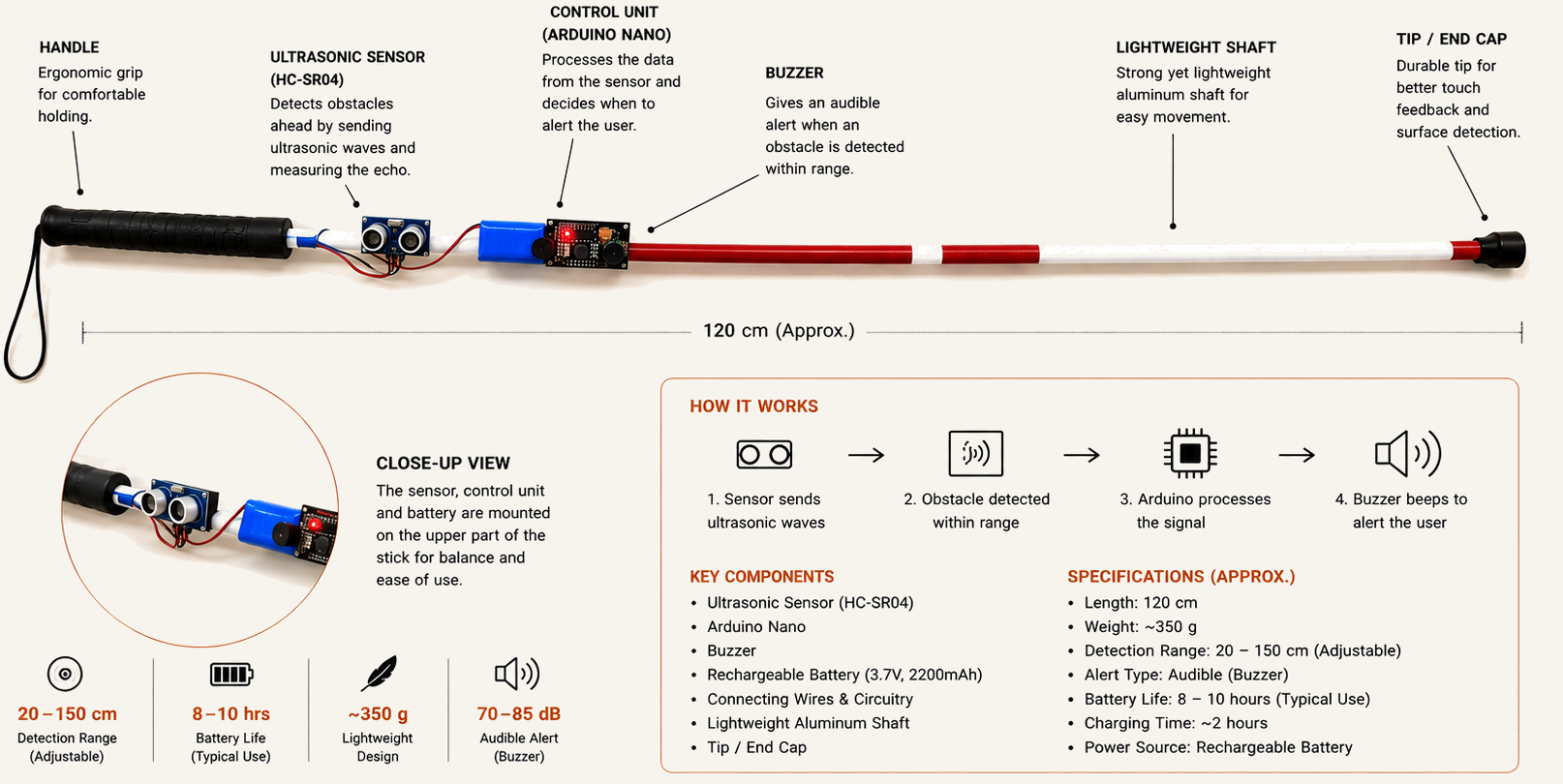
Ultrasonic Sensor
The sensor emits ultrasonic signals and uses the returning signal to identify an object within its sensing field ahead of the user, including objects the cane tip may never touch.
The stick itself, with the sensor, the board and the buzzer marked.
Making it work.
Turning the idea into a working stick meant getting into the details: understanding the components, putting the circuit together, working out the wiring, programming the Arduino and testing what they had built.
Vanij worked on the project with his brother Manan, guided by their mentor Shashank Mane H, Head of Design and Innovation at Chaman Bhartiya School, Bengaluru, and founder of Zero Gravity Space Labs.
He was involved throughout the process, from assembling and wiring the components to working with the Arduino and testing the finished sticks. Each time something needed changing, they worked through it and tried again.
What started as a question gradually became something they could hold, test and eventually give to someone else.
- 01
Learn
What each component does, and why.
- 02
Assemble
Bringing the electronics together.
- 03
Wire
Connecting sensor, board and buzzer.
- 04
Program
Working with the Arduino code.
- 05
Test
Checking the finished device behaves.
- 06
Repeat
Again, until every unit works.
One process, repeated until every unit worked
Who built it
- Vanij PeriwalLearning, assembling, wiring, testing.
- Manan PeriwalBrother and collaborator, from first circuit to last unit.
- Shashank Mane HTechnical mentor and maker-space guide.
Built in a workshop.
Put into someone’s hands.
The first time the buzzer sounded in the workshop, it was a working circuit.
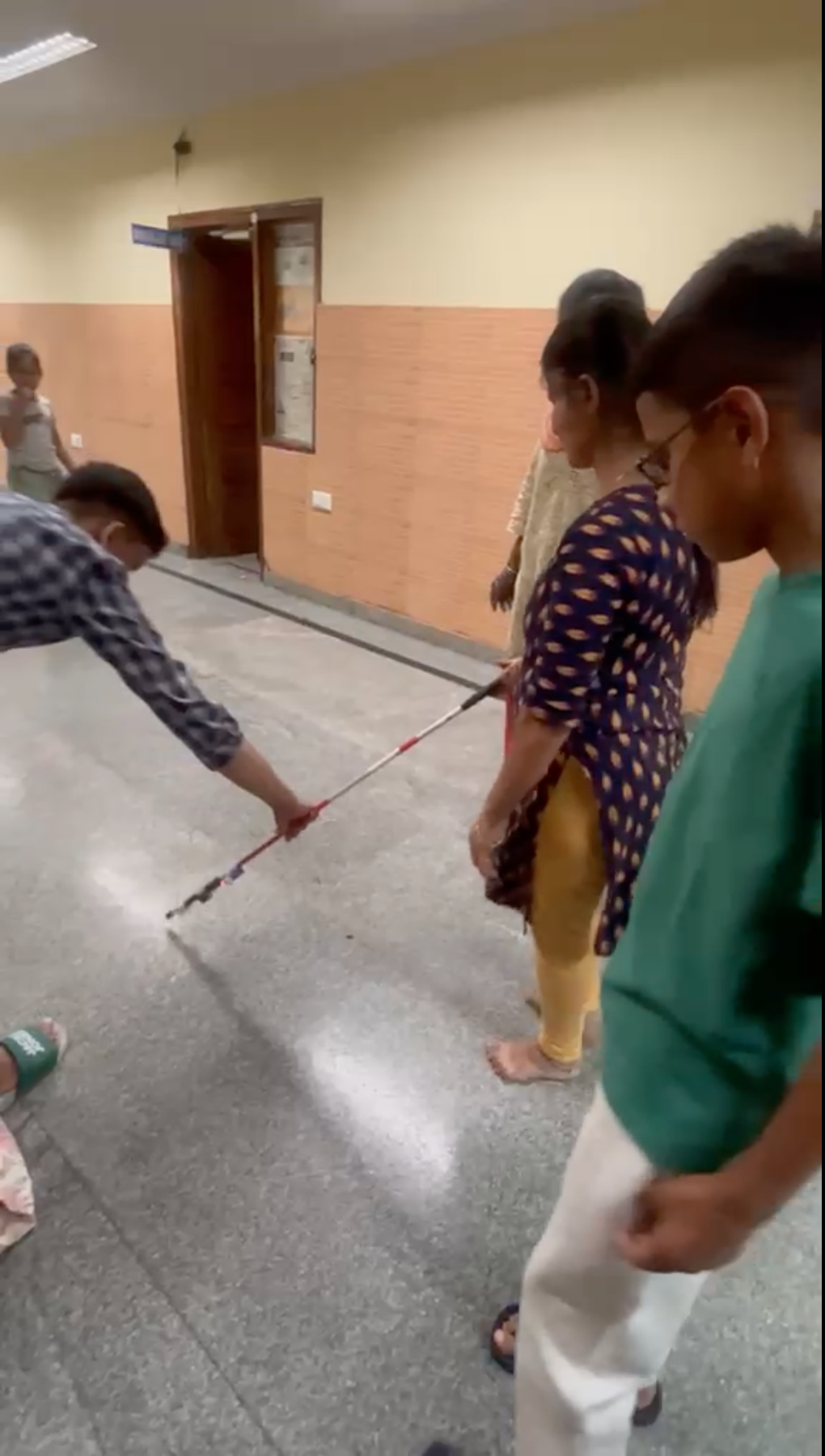
The moment one of the finished sticks was placed in the hands of a student at Sri Rakum School for the Blind in Indiranagar, Bengaluru, it became something more.
Vanij and Manan had spent time learning the components, putting the pieces together, testing them and making ten working sticks. Now, those sticks were leaving the workshop and going to the people they had built them for.
What began with a question on a workbench had finally reached someone who could use the answer.
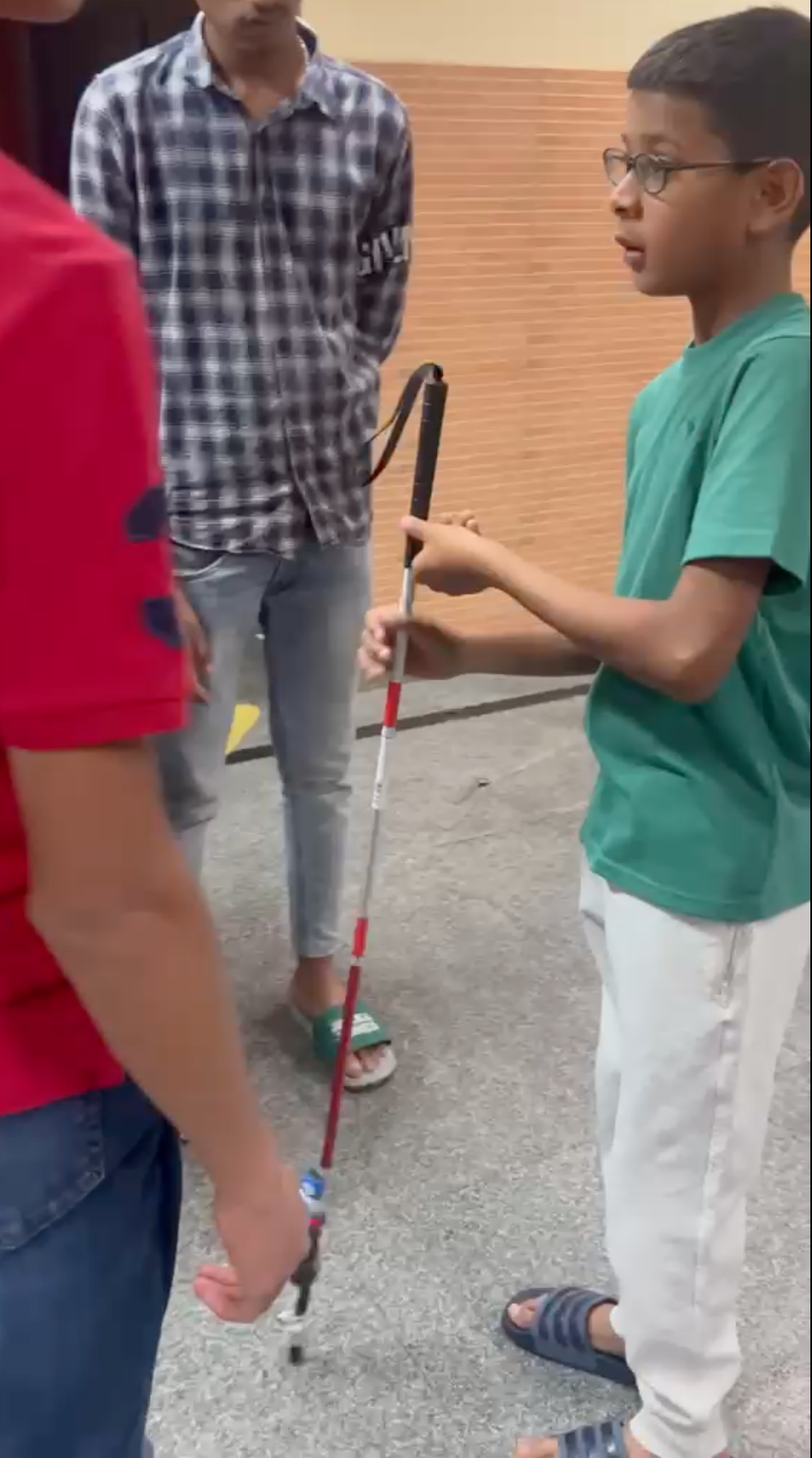
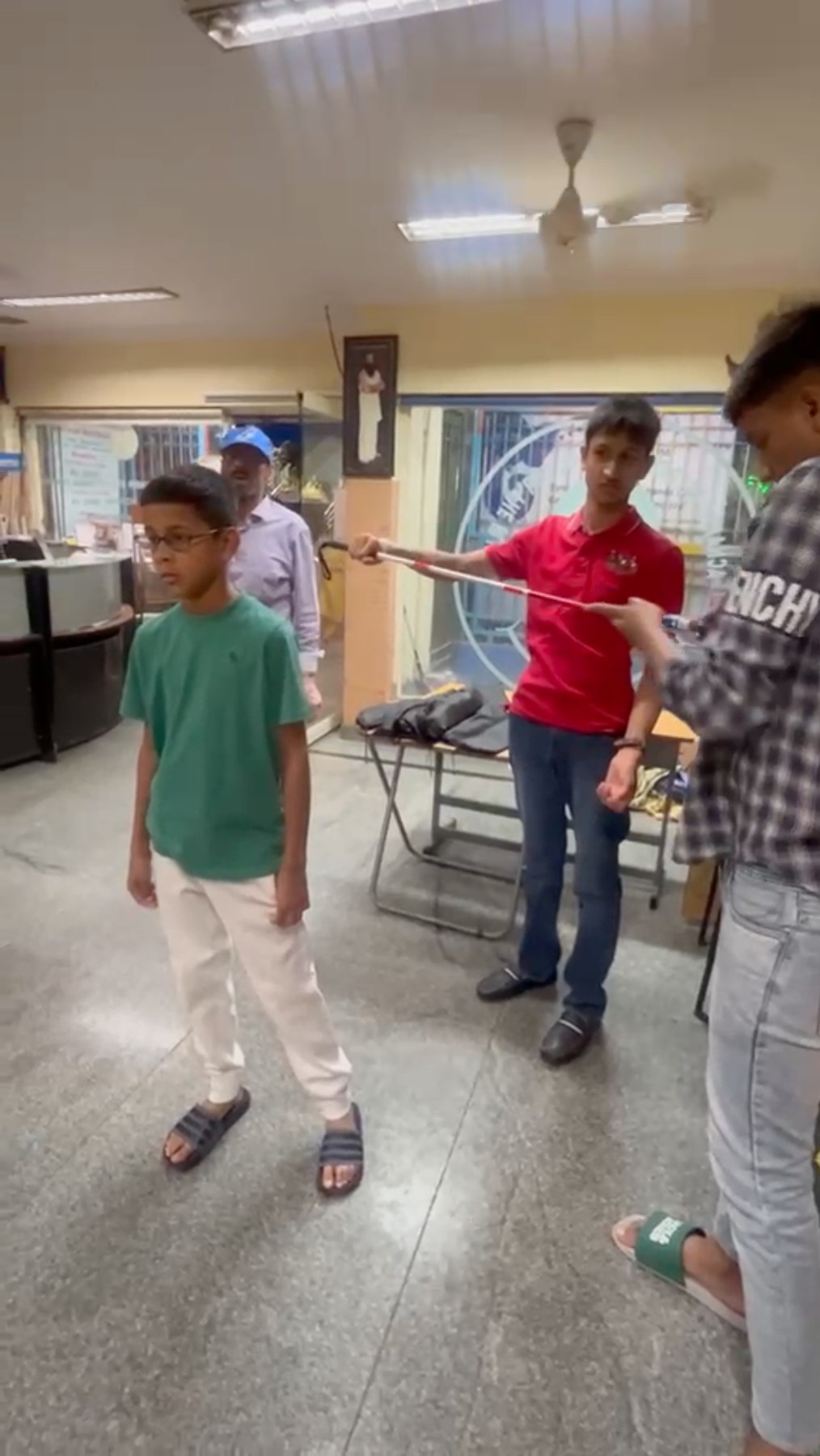
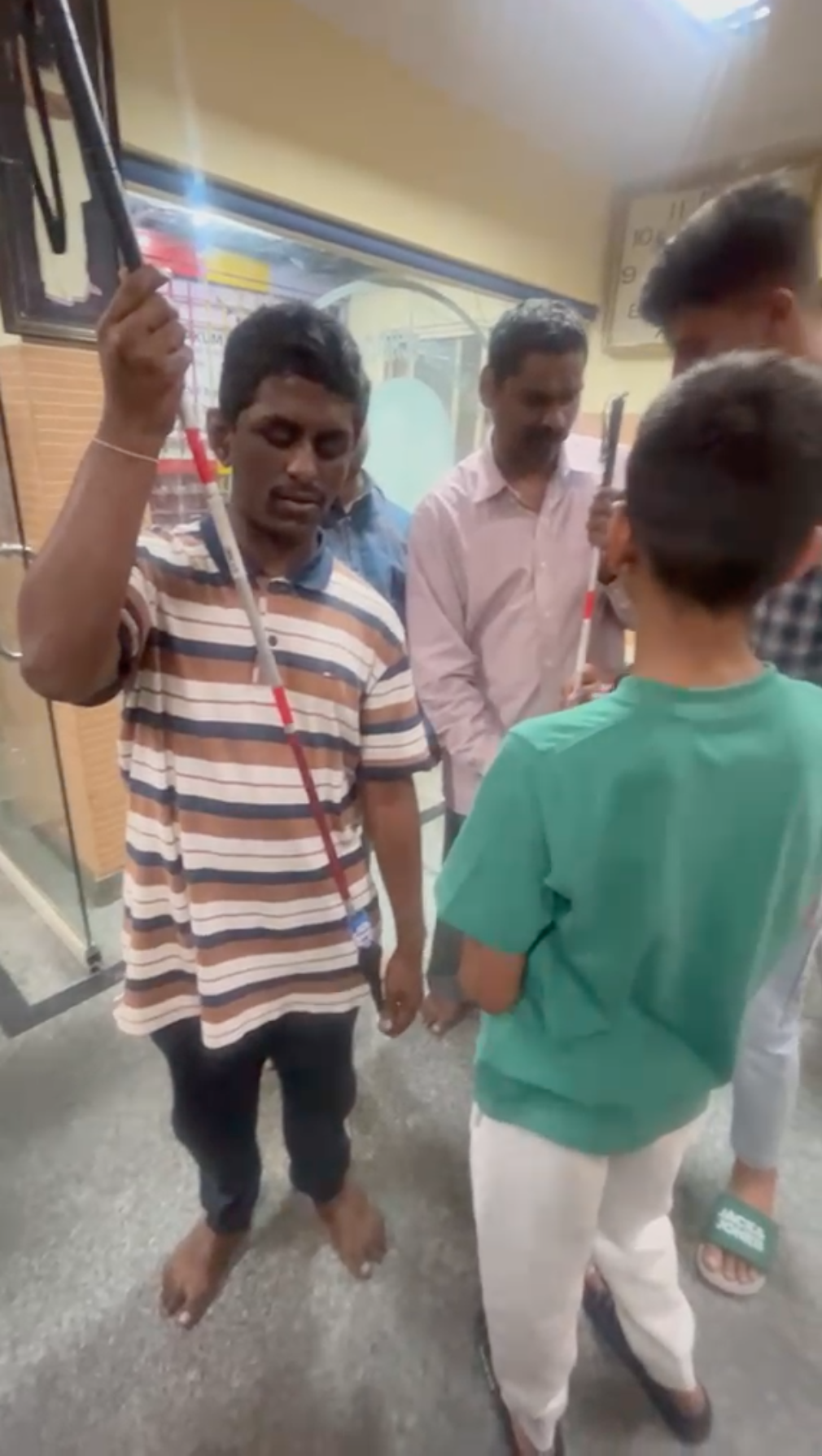
“We appreciate the empathy, effort and initiative shown by these young students in building these and we wish them the very best.”
Acharya Sri Rakum School for the Blind, Indiranagar, Bengaluru, certified that Vanij and Manan Periwal designed, hand-built and donated ten smart blind sticks to the students of the school.
What he saw differently
“When I started building the sticks, I was mostly thinking about getting everything to work. I wanted the sensor to detect an obstacle, the Arduino to respond and the buzzer to sound at the right time.
But when we gave the sticks to the students at Sri Rakum and I watched them try them, I started thinking about the project differently. Until then, I had mostly seen the stick from our side, while we were building it. Now I was seeing it from the side of the person actually using it.
I realised that making something work is only part of it. You also have to think about the person who is going to use it. What makes sense to me while I'm building it might not be the same for someone holding it for the first time.
That is probably the biggest thing I took away from the project. I want to keep making things, but I also want to think more about who I'm making them for.”
- Electronics and programming
- Building and testing a physical object
- Working with a brother and a mentor
- Designing around another person's needs
- The distance between a prototype and a usable device
Make it better. Make it more accessible. Make more.
- 01
LISTEN
Go back to the students, teachers and schools who actually hold the devices and let their feedback decide what changes next.
- 02
REFINE
Use that feedback to make the stick lighter, more comfortable and easier to use, without compromising the familiar feel of the cane.
- 03
Build more
Once the design is genuinely useful, make and donate more sticks to more students, while also teaching other young people how to build assistive technology.